







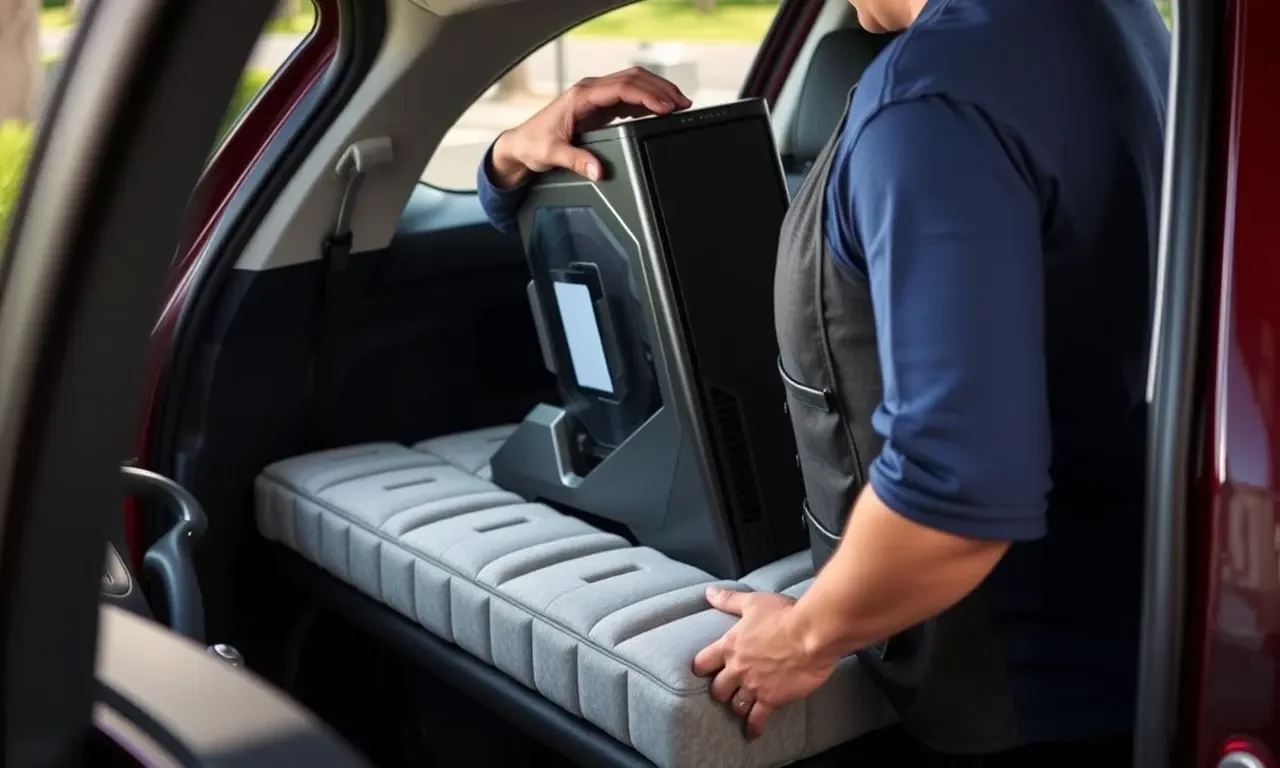
How to safely transport a pc in a car
Transporting a personal computer (PC) safely in a car requires careful planning and execution to prevent damage and ensure the integrity of your equipment. Whether you’re moving to a new home or taking your PC to a gaming event‚ understanding the principles of PC transport‚ computer safety‚ and secure packaging is crucial. This comprehensive guide will cover essential tips and protective measures‚ including handling instructions and road safety considerations.
The Importance of Secure Packaging
Secure packaging is the cornerstone of PC transport. A well-packaged PC can withstand the rigors of car travel‚ including sudden stops and uneven roads. To achieve this‚ focus on both external and internal protective measures.
External Packaging
- Use a sturdy box: Choose a box larger than your PC to allow room for cushion materials. The box should be rigid enough to withstand pressure and impacts.
- Seal the box securely: Use strong packing tape to seal all box seams. Reinforce corners for added strength.
Internal Protective Measures
- Cushion materials: Use foam or bubble wrap to cushion the PC. Wrap the PC tightly‚ ensuring all sides are protected from shock.
- Antistatic precautions: Use antistatic bubble wrap or bags to prevent static electricity from damaging sensitive components.
- Cable management: Disconnect all cables and peripherals. Wrap cables separately and secure them with twist ties or cable ties.
Handling Instructions for PC Transportation
Proper handling of your PC is essential to prevent damage during transport. Here are some key instructions to follow:
- Lift with care: Always lift the PC using both hands‚ supporting the bottom to avoid putting stress on the case.
- Avoid tilting: Keep the PC upright to prevent components from shifting and to maintain vehicle stability during transport.
- Use handles if available: If your PC case has handles‚ use them for easier and safer lifting and carrying.
Vehicle Stability and Road Safety
Ensuring vehicle stability during transport is vital to prevent the PC from moving or tipping over. Follow these road safety tips:
- Position the PC correctly: Place the PC in the car’s trunk or on the floor behind the front seats to maximize stability.
- Secure the PC: Use seat belts or straps to secure the PC in place. This prevents it from sliding or tipping during sudden stops.
- Avoid stacking items: Do not place heavy objects on top of the PC to prevent crushing or damage.
Shock Absorption and Damage Prevention
Shock absorption is a critical aspect of PC transport. Protect your PC from vibrations and impacts by implementing these damage prevention strategies:
- Use additional padding: Place additional foam or soft materials around the PC to absorb shocks from road bumps.
- Minimize movement: Ensure the PC is tightly packed and cannot shift within its packaging.
Additional Transportation Tips
Consider these additional tips for a smooth and safe PC transport experience:
- Check the weather: Avoid transporting your PC in extreme weather conditions‚ as temperature fluctuations can affect its components.
- Plan your route: Choose routes with smoother roads to reduce vibrations and the risk of damage.
- Drive carefully: Take turns slowly and brake gently to maintain vehicle stability and protect your PC.
Transporting a PC in a car requires careful attention to detail‚ from secure packaging to vehicle stability and road safety. By following these guidelines‚ you can ensure your computer arrives at its destination safely and in perfect working condition. Remember‚ the key to successful PC transport lies in comprehensive preparation and the use of appropriate protective measures.
